From Blank Session to Finished Loop: A Practical Beat-Building Workflow That Holds Up in the Mix
A beat only feels effortless when the workflow behind it is disciplined. This studio-first guide breaks down a full start-to-finish process for building a track from scratch, from drum selection and groove programming to bass, texture, arrangement, and mix-ready decisions.
Start With the Job, Not the Plugin
Before you load a drum rack or start auditioning synth presets, decide what the beat needs to do. Is this meant to support a vocal, carry a rap record, sit under a hook, or function as an instrumental that has to develop on its own? That decision shapes everything that follows: drum density, harmonic movement, bass range, and how much space you leave in the midrange.
The most efficient beat makers do not begin by collecting sounds. They begin by defining constraints. If the track is for an artist, think in terms of tempo range, emotional tone, and vocal pocket. A darker trap record might live around 130 BPM in half-time feel, while a funk-influenced pocket may sit closer to 90-100 BPM with more swing and ghost notes. Starting with the end use keeps the beat from becoming a pile of cool elements that fight each other later.
Build the Drum Foundation First
In most modern workflows, drums are the anchor. Kick, snare or clap, and hat pattern give the track its pulse and define the grid everything else will lock to. Start with a kick pattern that leaves room for the bass. If the bass is going to be sustained, place kicks where they can punctuate phrases without masking low-end movement. If the record wants more aggression, let the kick and bass interact more tightly, but commit to that relationship early.
For the snare or clap, place it where the backbeat feels strongest, then shape the character. A short clap can keep a beat dry and modern; a layered snare with a transient-heavy top and a body layer can make the groove feel larger. Don’t just stack samples because they sound good soloed. Check the combined envelope. If the transient is too wide or the tail is cluttered, you will hear it later when the arrangement opens up.
Hi-hats are where many beats start to feel human or mechanical. Straight eighths are fine, but the feel changes dramatically once you add velocity variation, small timing nudges, and occasional rolls or stutters. On MPC-style grooves, a little swing can make the beat breathe. On tighter electronic records, hats may need to stay straighter and more rigid. The right choice depends on the record’s identity, not the producer’s default habit.
Let the Groove Speak Before Adding Harmony
Once the core drums are in place, loop them and listen for what the beat is already saying. This is where a lot of producers rush into chord progressions, but a strong groove often reveals the harmonic direction on its own. A sparse drum loop may want a moody minor-key pad. A busy, syncopated pattern may work better with short stabs or a simple two-note motif instead of a full chord wash.
If you do add harmony at this stage, keep it minimal. Use one instrument to establish the tonal center and another to answer it only if necessary. Piano, keys, guitar chops, mallet instruments, and analog-style synths all work, but the goal is not “interesting sound design” yet. The goal is to establish the emotional frame.
One practical move: write with a limited palette. Try a root note, a third, and a seventh. Then mute notes until the loop feels stronger. Many beat ideas become clearer when you strip them back. If the groove still works with fewer harmonies, the arrangement will likely hold up better once vocals, FX, and transitions enter the picture.
Design the Bass Around the Drum Pocket
Bass is not just low-end information; it is the glue between rhythm and harmony. Whether you use a sub-heavy 808, a synth bass, or a recorded bassline, the part should be written in response to the kick and the chord movement. In trap and hybrid pop production, an 808 often functions like both percussion and bass. In that case, slides, pitch movement, and note length matter as much as the root notes themselves.
Get the bass and kick speaking clearly together. If they hit at the same time, decide which element owns the transient and which owns the sustain. Sidechain compression can help, but do not rely on it as a fix for bad note choices. Sometimes the better move is simply shortening the bass note or moving the kick a few ticks earlier or later to tighten the feel.
For producers working in a DAW, a good habit is to audition the bass in context at low volume. If the line still reads when the monitors are turned down, the relationship between kick, bass, and midrange is probably working. If it disappears, you may need harmonic support, saturation, or a more defined pattern.
Add Texture Like an Arranger, Not a Collector
At this point, the beat should already feel like a beat. Texture is what gives it identity, but texture should not be treated as decoration. Percussion layers, samples, atmospheric one-shots, vinyl noise, guitar fragments, reversed tails, and synth swells all need a function. They should either reinforce the groove, widen the stereo image, or set up transitions.
One of the best ways to keep texture useful is to assign each layer a job. A shaker might fill out the top end during the hook. A filtered loop might add motion in the verse. A one-bar reverse reverb could signal a drop. If a layer does not clearly improve groove, energy, or structure, mute it. The strongest beats are often built from fewer parts than beginners expect.
Sound choice matters here, especially if you are using samples. A dusty loop can bring instant character, but it can also leave you boxed in harmonically. A clean one-shot chop may be easier to process and arrange. The right answer depends on whether you want the beat to feel pre-existing or fully authored from the ground up.
Shape the Arrangement Before the Beat Gets Stale
A loop is not yet a full beat if it never evolves. Arrangement turns repetition into momentum. The basic strategy is simple: create contrast through subtraction, addition, and re-entry. Start with an intro that establishes a motif or drum fragment, move into a fuller section, strip elements for a verse, then bring energy back for a hook or drop.
Use automation aggressively but intentionally. Filter sweeps, reverb throws, delay moments, pitch shifts, and drum fills can create movement without overwhelming the core groove. The point is not to add a “transition effect” every two bars. The point is to give the listener clear signs of progression so the beat feels composed rather than looped.
If you are building for an artist, leave space for vocals by checking the arrangement against a reference line or mock topline. If you are building an instrumental, the arrangement has to carry more of the narrative itself. That means changes in drum density, harmony, register, and texture become even more important.
Mix as You Go, but Don’t Chase Perfection Too Early
Beat makers often confuse sound selection with mixing, but they are related only up to a point. Good sounds make the mix easier, yet a beat still needs basic technical discipline. Gain stage so nothing is clipping unintentionally. High-pass elements that do not need low-end. Check mono compatibility on bass and key layers. Use EQ to separate overlapping parts before reaching for heavier processing.
Saturation can help drums feel more present, especially on kicks, snares, and 808s, but use it to enhance a decision, not mask a problem. Compression can tighten drum buses and bring glue, but if the source sounds weak, compression will not save it. The more effective workflow is usually: select better source sounds, arrange them clearly, then process lightly to reinforce the balance.
Reference tracks help here. Match your beat against records in the same lane and compare low-end weight, snare brightness, stereo width, and overall density. You are not trying to copy the reference. You are calibrating your ears so the beat sits in a believable commercial range.
Finish with an Exportable, Usable Session
The last step in a full beat-building workflow is not just rendering audio. It is organizing the project so it can be used, revised, and mixed without friction. Label tracks clearly. Color-code drums, melodic elements, and FX. Bounce key elements if CPU-heavy instruments are slowing the session. Keep a version with MIDI intact and another print-ready version for sending out.
Export stems if you plan to collaborate. Leave headroom on the master bus unless you are intentionally printing a loud demo. Print a rough version, step away, and come back with fresh ears. Many beats sound finished only because the producer has heard the loop for too long. A short break reveals whether the groove still feels strong outside the session bubble.
The Real Workflow: Decision-Making Over Decoration
Building a beat from scratch is not about stacking more ideas. It is about making a sequence of small, deliberate production decisions that lead from rhythm to harmony to arrangement to mix readiness. Every stage should answer a practical question: does this help the groove, support the musical identity, or make the record easier to finish?
That is the difference between a loop that sounds promising in the DAW and a beat that actually works in a session, survives revision, and makes sense to an artist or engineer. Start with the function, build the foundation, let the groove guide the harmony, shape the bass around the pocket, and arrange with enough discipline to keep the listener engaged. That is a real-world beat-making workflow, and it is the one that holds up when the record leaves your studio.
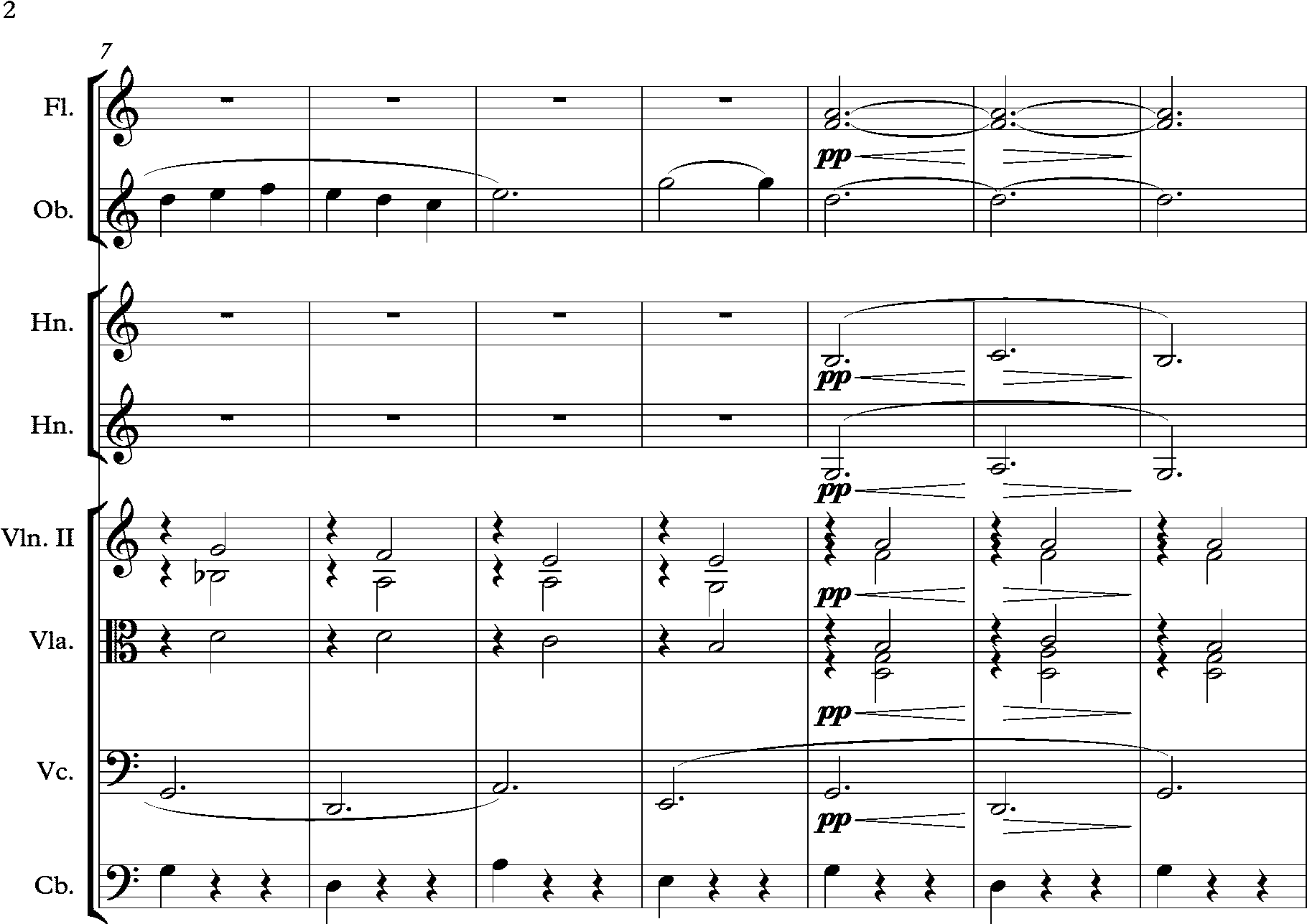
Image: Debussy Gymnopedie 1, arrangement of Satie’s Gymnopedie 5.png | Gymnopedies | License: Public domain | Source: Wikimedia | https://commons.wikimedia.org/wiki/File:Debussy_Gymnopedie_1,_arrangement_of_Satie%E2%80%99s_Gymnopedie_5.png